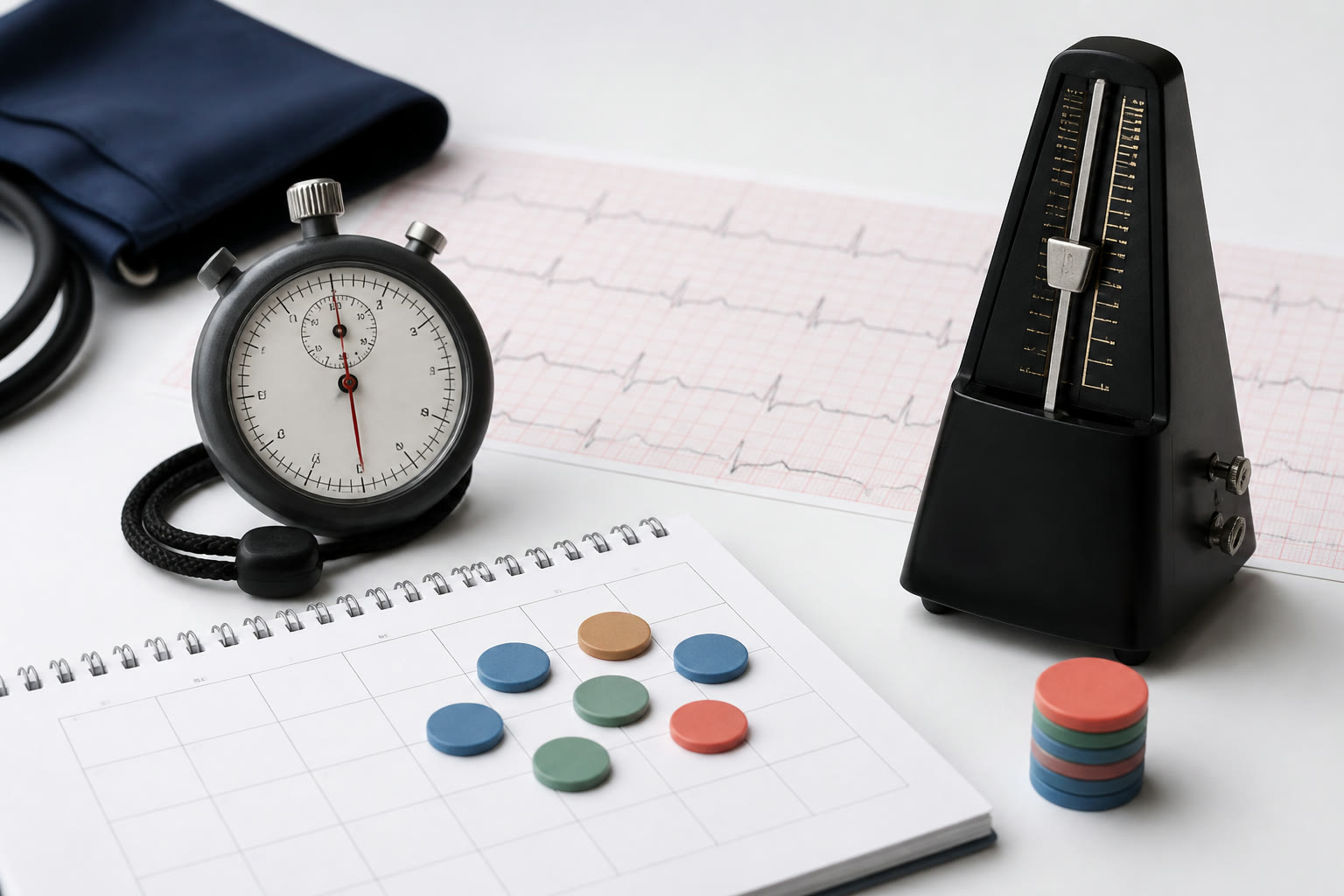
A lifetime heartbeat counter multiplies elapsed time by an assumed average rate. It can illustrate scale, but it cannot recover a person's true cardiac history from a birth date.
The basic estimate
Start with elapsed minutes between the birth date and comparison moment. Multiply that duration by a chosen average beats-per-minute rate. At 70 beats per minute, one day contributes about 100,800 estimated beats.
The large total is mathematically reproducible for that assumption. It is not a measurement because the calculator has no continuous record from the person's body.
Heart rate is not constant
Heart rate changes with age, sleep, posture, activity, fitness, temperature, stress, illness, medication, and many other conditions. Childhood rates and exercise periods can differ substantially from an adult resting value.
Using one rate across an entire lifetime compresses all of that variation into a scenario. Allowing the user to change the rate makes the assumption visible but does not turn it into a personalized clinical model.
Resting rate versus lifetime average
A resting pulse is measured under defined quiet conditions. A lifetime average includes movement, sleep, exercise, and earlier life stages, so a current resting reading should not automatically be treated as the historical average.
A wearable may estimate recent patterns, but even that record cannot fill years before the device was worn. The guide should keep observed device data separate from back-calculated lifetime illustrations.
How a live counter updates
When the comparison date is today, a browser can add the selected beats-per-second rate as elapsed clock time advances. The smooth animation reflects the formula, not a live sensor connection.
Pausing the tab, changing devices, or reopening the page should cause the total to be recalculated from elapsed time rather than relying on every animation tick. This keeps the display stable without pretending each visual beat was individually recorded.
Reading the result responsibly
Treat the number as a scale comparison: hundreds of millions or billions of estimated contractions over decades. Do not use it to assess rhythm, fitness, disease risk, medication, or treatment.
Symptoms or concerns need a qualified clinician and appropriate measurement. A general information page should never suggest that matching or exceeding its counter indicates health.
A transparent result card
Include the elapsed period, selected beats per minute, calculation formula, and an estimated label on copied or downloaded results. Avoid medical imagery that makes the output look diagnostic.
When sharing, consider omitting the full birth date. The approximate total and rate are enough to explain the exercise, while the original date can remain private in the browser.
Heart rate changes across a lifetime
Heart rate is not constant from birth onward. It varies with age, activity, sleep, fitness, temperature, stress, illness, medication, and measurement conditions. A lifetime counter that multiplies every minute by one default rate is therefore an illustrative scale estimate, not a reconstruction of the user's cardiovascular history.
Resting heart rate is also different from the average rate across an entire day. Exercise raises the rate, while sleep may lower it. A wearable can provide sampled personal observations for recent periods, but public health references cannot supply an individual's historical minute-by-minute values. The interface should keep that boundary visible.
Build a transparent scenario
The basic formula is elapsed minutes multiplied by an assumed average beats per minute. Show the chosen rate beside the total and allow a reasonable adjustment. A more descriptive scenario can use separate waking, sleeping, and exercise rates with time shares, but every extra input remains an assumption unless it comes from a measured record.
Provide a range rather than pretending one rate is exact. Calculate the total at a lower and upper plausible scenario and display the central setting as adjustable. The range describes sensitivity to the model; it is not a clinical confidence interval. Avoid selecting rates based on a diagnosis or claiming that the result assesses health.
Why the live counter is illustrative
Once a starting estimate is calculated, a live display can add beats according to the selected average rate. The motion does not listen to the user's body and may advance in fractions or small batches. Read it as an estimated continuation of the formula, not as data from a connected sensor.
A background tab may update less often and then catch up when it becomes visible. That behavior does not mean the heart stopped or that activity was measured elsewhere. The total is still derived from elapsed clock time and the selected rate, so the assumption remains the most important part of the number.
A worked sensitivity example
Suppose the elapsed time is 20 million minutes. At an assumed average of 60 beats per minute, the estimate is 1.2 billion beats; at 75 beats per minute, it is 1.5 billion. The 300 million difference comes entirely from the rate selection. Comparing both scenarios teaches more than printing one large total without its multiplier.
Use only a plausible illustrative rate and keep that rate beside the total. A recent wearable average can provide a personal scenario, but applying it across an entire lifetime is still an extrapolation rather than a historical measurement. The calculation should never ask for medical conditions or recommend a target rate.
To check the arithmetic, multiply the elapsed minutes by the selected beats-per-minute rate and compare the product with the displayed total. Change the rate and repeat the multiplication from the same elapsed-time baseline. This sensitivity check shows exactly how much of the result comes from the chosen assumption.
How to compare estimates from different dates
A reference can explain the usual context of heart-rate measurements, but it cannot supply one universal lifetime average. When comparing saved estimates, keep the selected rate and calculation date with each total. A change in the default rate or source can otherwise look like a change in the person's history.
Read the headline as estimated heartbeats under the selected rate. That wording remains accurate for a default scenario, a recent wearable-based scenario, or another clearly labeled comparison. It preserves the striking scale without suggesting that a website has measured every heartbeat.
Key takeaway
A lifetime heartbeat counter multiplies elapsed time by an assumed average rate; it does not measure the visitor. Keep the selected rate and formula with the total, compare more than one plausible scenario, and distinguish a recent wearable average from historical fact. The useful insight is the scale created by a frequent rhythm over many years. It remains an educational estimate, not a cardiovascular measurement, target, diagnosis, or explanation for symptoms.
Sources and further reading
These references support the calendar rules, cultural context, or public-data definitions discussed in this guide.
- American Heart Association: Target heart ratesGeneral adult resting-rate context and factors that affect heart rate.
- NCBI Bookshelf: Vital Sign AssessmentClinical background on measuring pulse and other vital signs.